
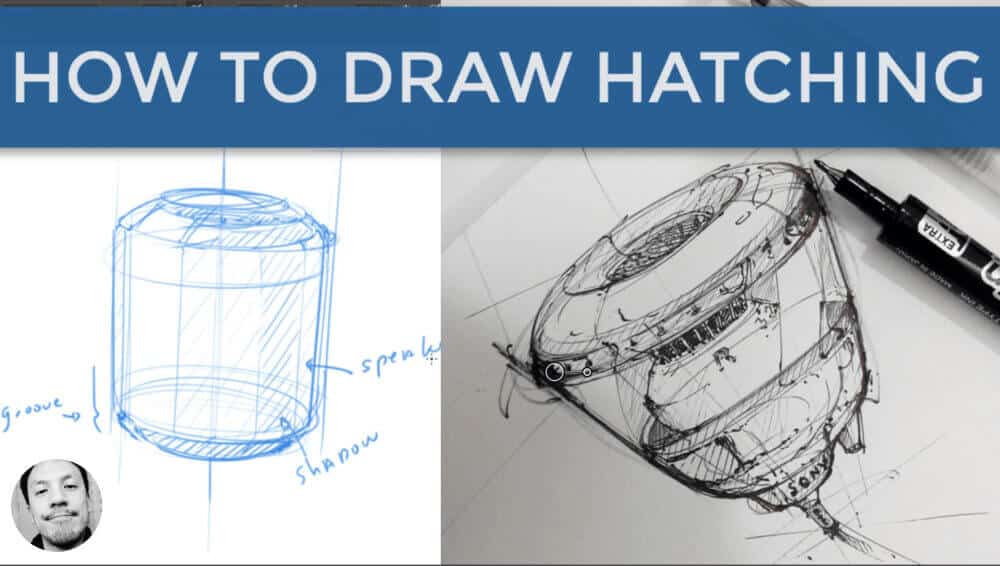
Want to sketch faster and better? This guide teaches you practical hatching techniques to enhance your design sketches, save time, and boost your confidence as a product designer. Start accelerating your creative process today!
Category - Photoshop
Concept art, Digital Drawing, LEARN 1 TIP A DAY, Photoshop, Sketching Tutorials
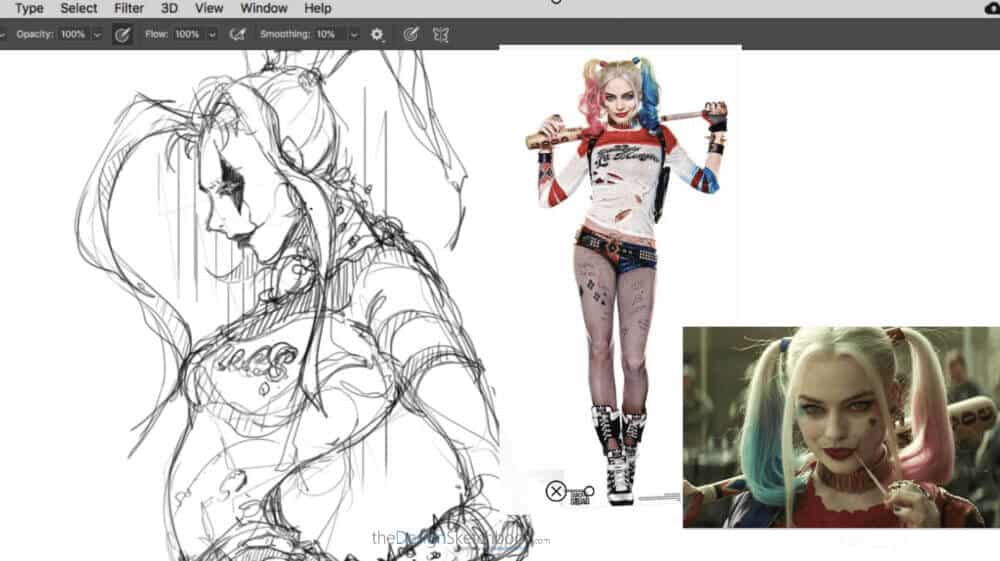
TIP 279 How to Draw Harley Quinn: Step-by-Step Demo with Reference Picture
Want to sketch Harley Quinn like a pro? This demo shows you how to create a vibrant digital drawing with Photoshop and a Wacom tablet. Discover tips to develop your own sketching style and find inspiration beyond product design.
LEARN 1 TIP A DAY, Photoshop, Sketching Challenges!, Sketching Tutorials
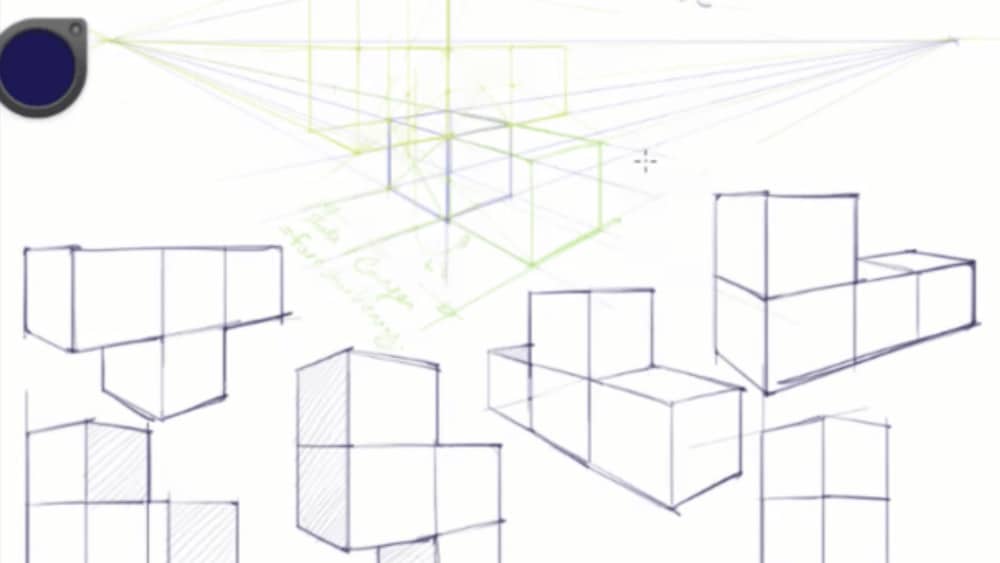
STEP 2 | How to Draw Cubes Like Tetris in Perspective
In the second part of the Cube Mania Challenge, discover how to draw connected cubes like Tetris in perspective. Practice simple geometry techniques and enjoy an addictive 1-hour drawing session designed to boost your 3D vision and product design sketching.
LEARN 1 TIP A DAY, Photoshop, Sketching Challenges!, Sketching Tutorials
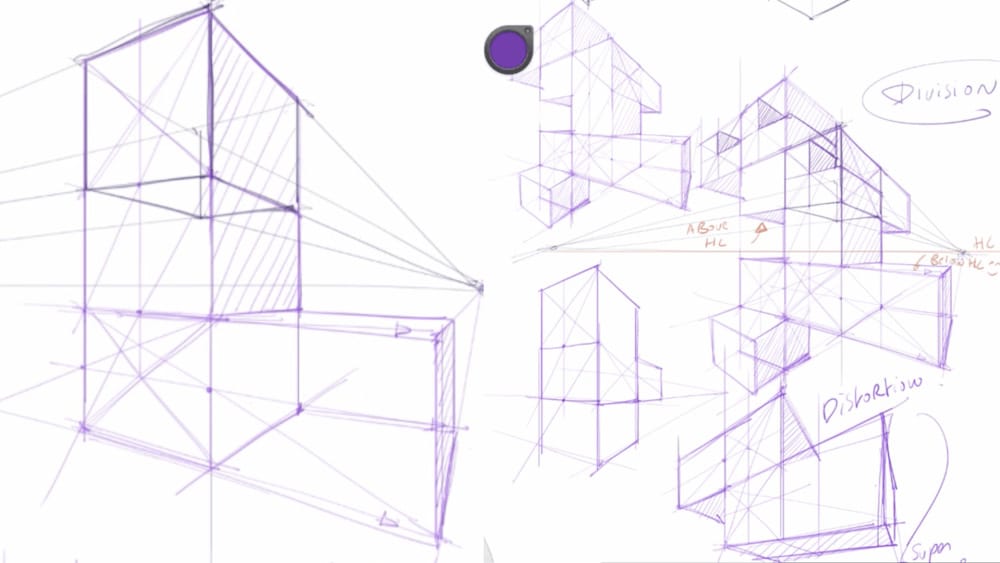
STEP 3 | How to Draw Professional Quality Cubes with Appealing Perspective
Ready to take your cube sketches to the next level? Discover how to add personal touch and dynamic, distorted perspective effects that attract clients and boost your confidence in product design sketching.

LEARN 1 TIP A DAY, Photoshop, Sketchbook Pro
TIP 238 Essential 2D and 3D Software Programs for Industrial Designers
Choosing the right software is key for industrial designers. This guide covers 2D tools like Adobe Photoshop, Illustrator, and Sketchbook Pro, plus 3D modeling software Rhino 3D and Solidworks, highlighting their benefits and best uses in design workflows.
LEARN 1 TIP A DAY, Photoshop, Product Design Tutorials, Shoe Design, Sketching Tutorials
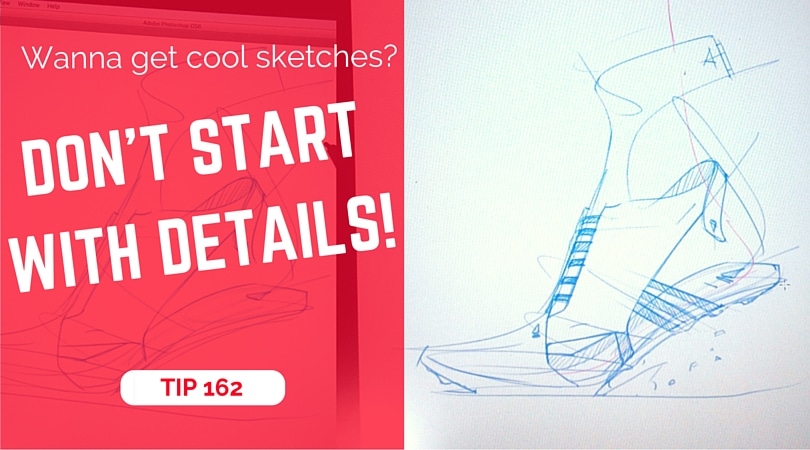
TIP 175 How to Create Stunning Design Sketches: Don’t Start with Details
Explore foundational and advanced sketching methods combined with creative thinking strategies designed specifically for aspiring product designers. Ignite your creativity and refine your design workflow for better sketches and innovative ideas.
LEARN 1 TIP A DAY, Photoshop, Product Design Tutorials, Sketching Tutorials
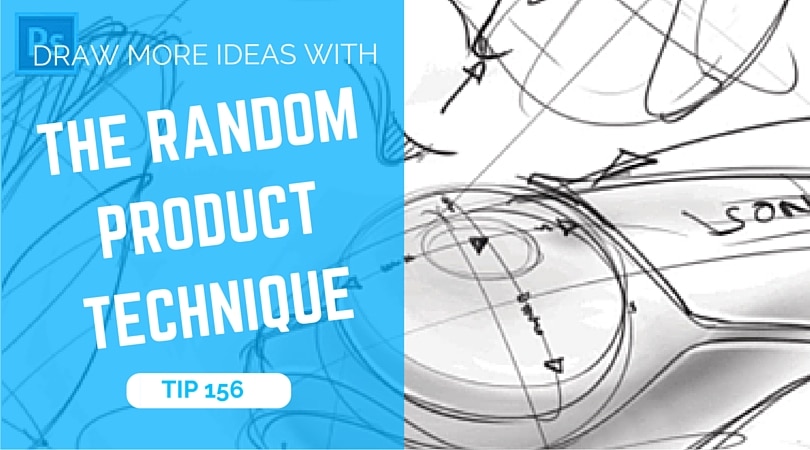
TIP 158 How to Generate Unlimited Product Design Ideas with the Random Product Technique
Struggling with creative blocks? Discover the Random Product Technique—a fun, fast way to generate unlimited product design ideas through visual brainstorming and spontaneous sketching. Ignite your imagination and build your design portfolio now!

Concept art, LEARN 1 TIP A DAY, Photoshop
TIP 140 Step-by-Step Guide to Drawing a Super-Hero in Photoshop
This tutorial walks you through sketching a super-hero character in Photoshop, from rough shapes and pose to costume and props. Learn effective use of the Wacom tablet, layering, mini previews, proportion adjustments, and creative experimentation to bring your hero to life.
LEARN 1 TIP A DAY, Photoshop, Shoe Design, Sketching Tutorials
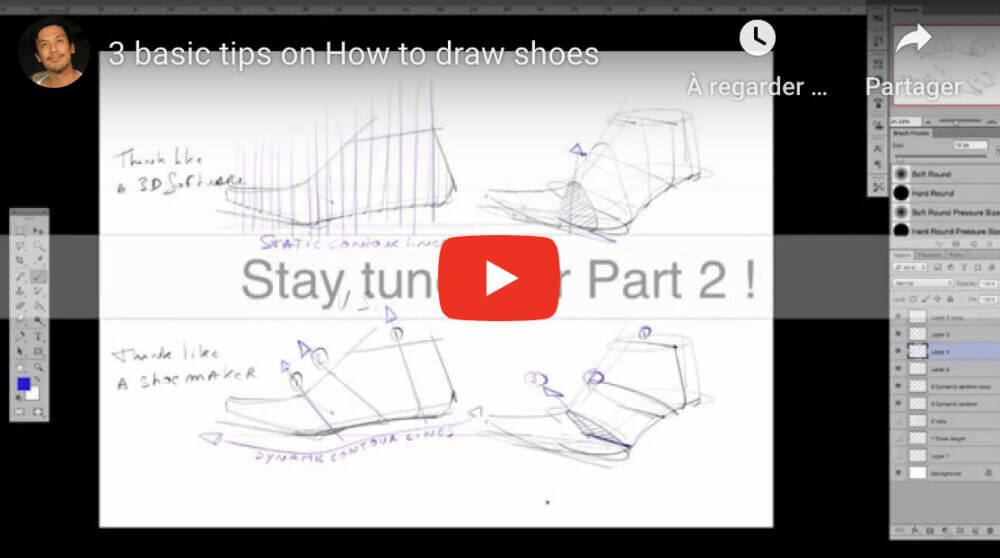
TIP 119 How to Draw a Shoe (Side View in 3 Tips)
Shoe drawing is difficult at the start for anyone. To make it easy, we start by learning how to draw a shoe from the side view. If you are wondering how to draw shoes, you might face at least one of these issues: You don’t know how to start. The shoe you draw has a bad proportion (both in perspective and side view). You have difficulty to...
Best of, LEARN 1 TIP A DAY, Photoshop, School & Career, Sketchbook Pro
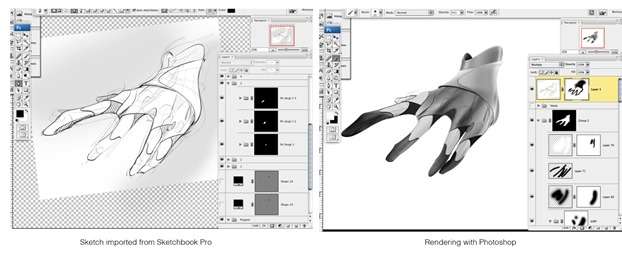
TIP 113 Why Designers Choose Photoshop: Top 7 Benefits for Creative Professionals
Wondering if Photoshop is essential for designers? It is the industry standard, offering fast color changes, detailed rendering, efficient layer management, and powerful selection tools. Master Photoshop to communicate your ideas clearly and create impressive presentations. Ready to elevate your design skills? Start exploring Photoshop’s benefits...
START SKETCHING TODAY!

FREE Sneaker Sketching Book







Recent Comments