
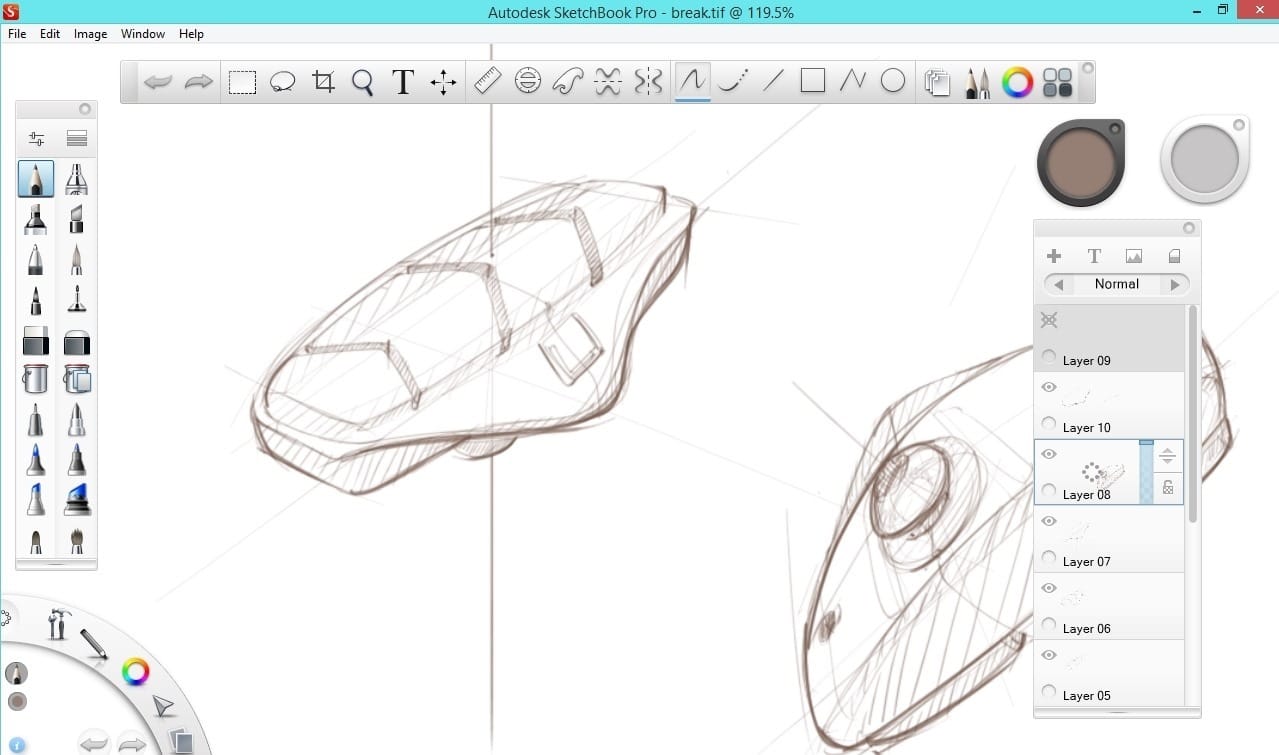
Sketching + Rendering
I love the app Sketchbook Pro for sketching, and Photoshop for rendering colors and textures.
Sketchbook Pro is light, and easy to use for anyone, while Photoshop is super complex and advanced.
My favorite tool for drawing is the pencil in Sketchbook Pro. It delivers a dynamic, smooth and great pen pressure sensitivity.
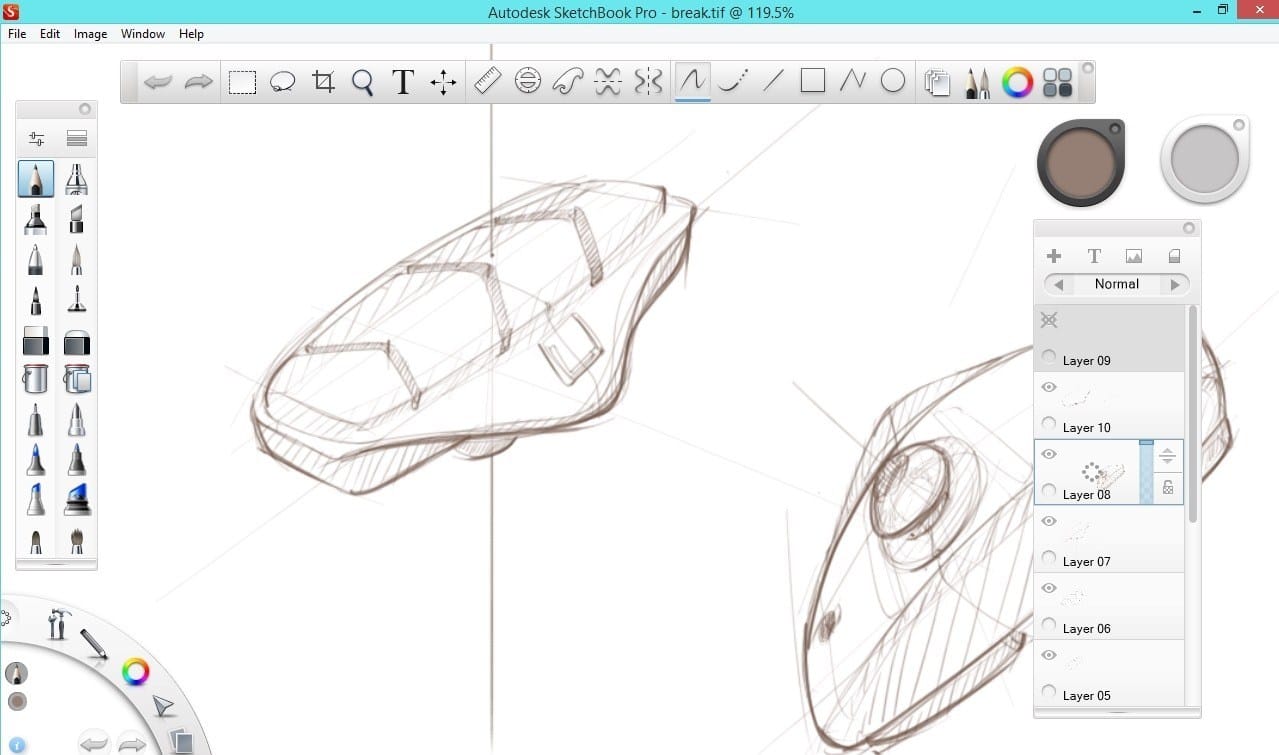
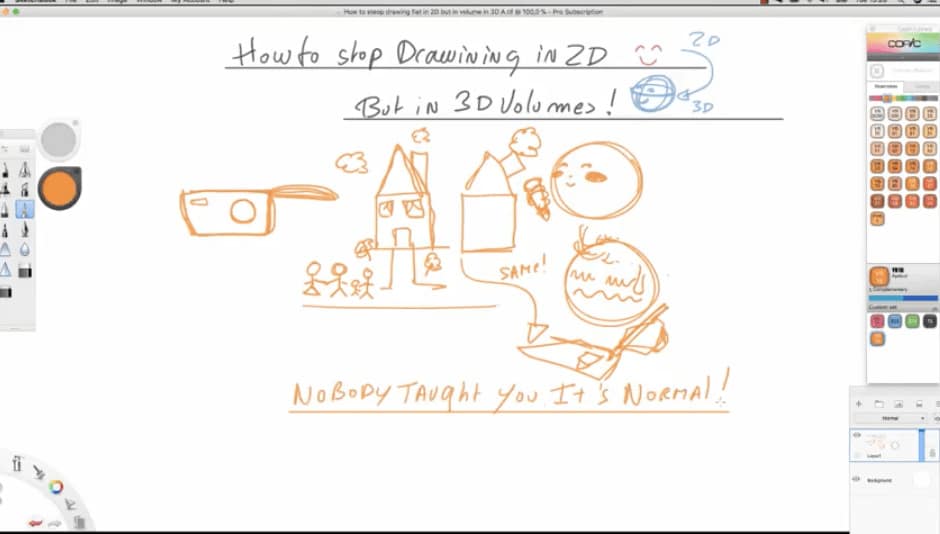
Autodesk Sketchbook Pro – Interface
There is plenty of drawings software and apps I like. But the one I use for years is Sketchbook Pro.
In term of drawing, that software is a lot better than Photoshop.
I enjoyed the dynamics and natural lines that Sketchbook Pro provide. It’s a very light software, so it doesn’t lag.
You can easily find it any platform – iPad, Android, Windows 8.
I traditionally draw on Sketchbook Pro, then I export to Photoshop to add colours and textures.
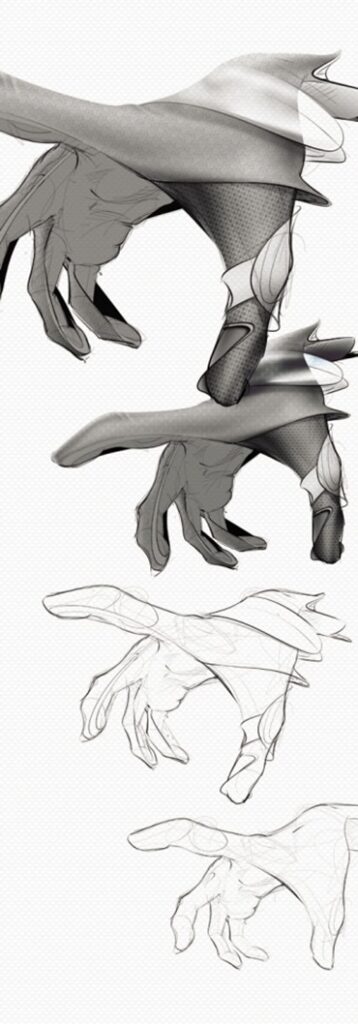
You can download a light and free version of Sketchbook here:

 The step by step method on the link below
4 Simple steps From sketching to Photoshop rendering
What’s your favourite drawing software ?
Tell me in the comment below.
Related Articles









Depends what you want to do. Krita is for digital art, gimp for image manipulation and inkscape for vector drawing.
https://pctechtest.com/20-best-digital-art-drawing-software
Thanks for sharing!
But Sketchbook is not free anymore for Windows and Mac OS. I use Krita for sketching and it’s imho hands down the best free option out there… I have a XP-Pen Artist 12 (2nd Generation) drawing display and its perfect with Krita.
Oh yeah, it’s not free anymore. It’s about 20$.
I remember seeing a post from them on Facebook about new tools!
I am actually pretty excited about this and will dig further and see.
Thank you for the update Banga. 🙂