Perspective feels confusing when your lines go everywhere. This lesson breaks down horizon line, vanishing points and converging lines using a simple razor sketch. Train your eye, fix “awkward” sketches, and start drawing confident 3D products from imagination. Read the tip now!

When you are a beginner and start sketching an object, you feel lost with Perspective.
There is a high chance your converging lines get clumsy.

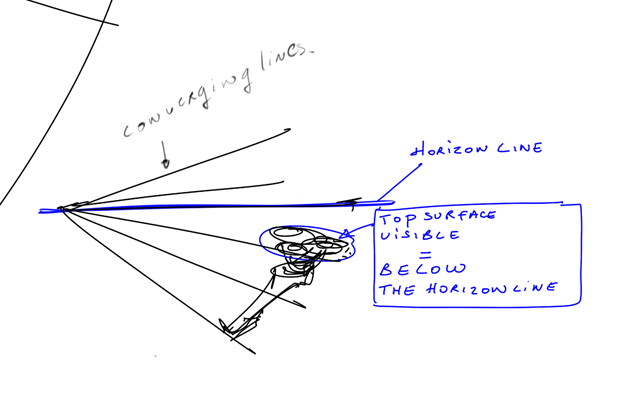
To plan them well, you have to take care of multiple parameters at the same time:

  • Horizon line
  • Vanishing points
  • Converging lines.
  • And of course, the design of your product!

Don’t worry, when you learn it step-by-step, all makes sense.
And with practice, it will get natural to you like a 6th sense.

Dont skip Perspective.
It’s SUPER ESSENTIAL to always keep in mind
the fundamentals rules of drawing to make sure that your sketch is correct.

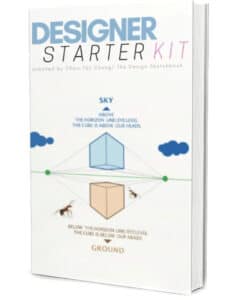
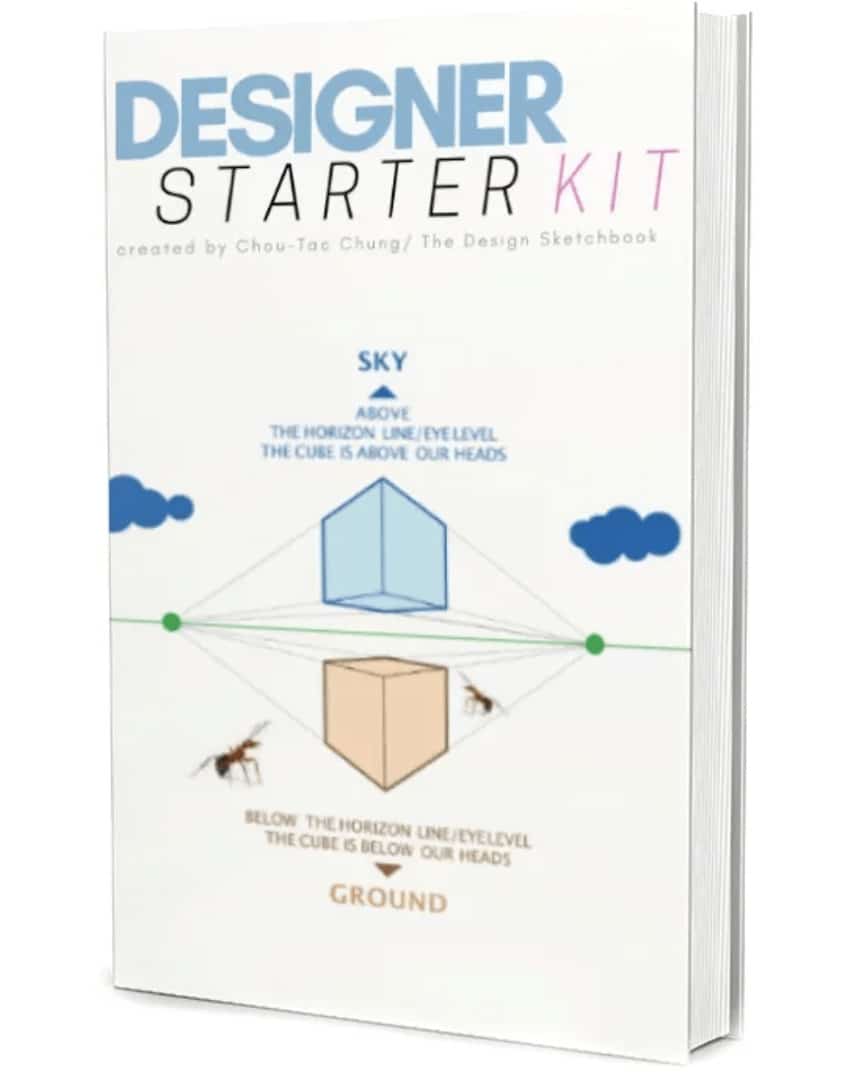
This is why you should request for you FREE Designer Starter Kit to make your first steps in Sketching.

Soon, your brain will start visualising the converging lines intuitively.
Make sure to train your perspective skills drawing many simple shapes such as cubes from different views.

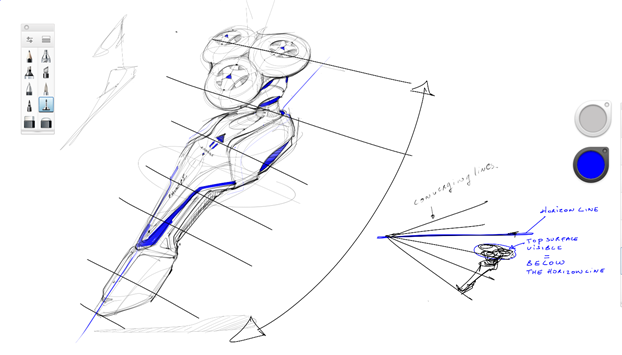
VERY IMPORTANT:  the converging lines are one of your Best friend !!
The lines looks parallel, but they are not.
They slightly diverge.

If one day, your sketch looks “awkward”, and you wonder why ?
Check your converging lines. It will solve a lot of mistakes.

Without them, you can’t possibly imagine to draw in “3D” from your imagination.
So, each time you get to practice, visualise them or draw them with a light pressure with your pen.
sketching razor-converging lines perspective-sketchbook pro-a

Hint: As we can see the top of the razor head,
it means the razor is below the Horizon line (also called the Eye level).
sketching razor-converging lines perspective-sketchbook pro

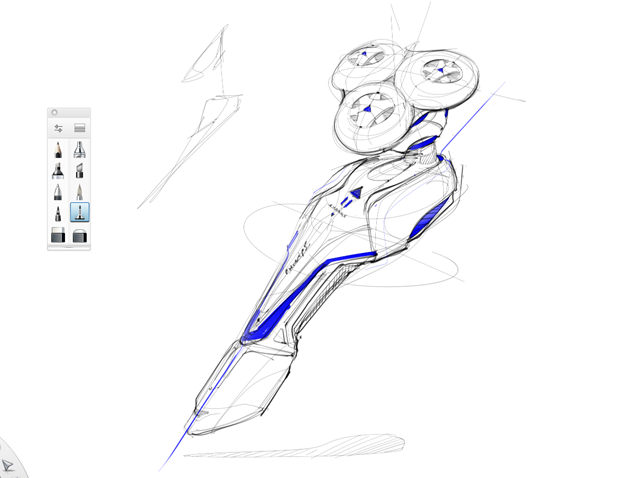
I did this sketch with the software Sketchbook Pro, with a Wacom Cintiq 22HD.
Product and transport designers love it! The lines looks so smooth and natural.

If you also love sketching on tablet,
I warmly recommend you guys to download that light drawing software.

It is available on Mac, PC and tablets too!
sketching razor-sketchbook pro

I hope this sketching Tip has been helpful.
Let me know your feedback in the comments.

See yah for the next Tip of the day!

Cheers,
Chou-Tac


Recommended Articles
Line Weight drawing practice

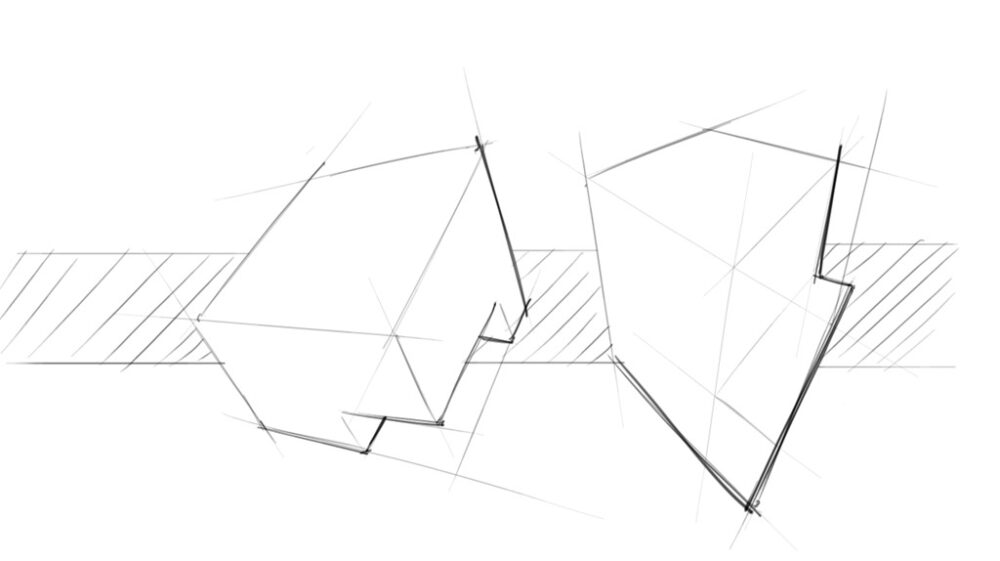
Master Line Weight to Visually Convince Your Audience
Want your sketches to jump off the page? Master line weight variation—the secret tool designers use to emphasize form, depth, and light. With just subtle pressure changes, you’ll create sketches that speak louder than words. Ready to impress your audience with every stroke? Start refining your lines today!
18 Indispensable ‘SKETCHING LINES TECHNIQUE’ To Draw Anything! - classic 1640
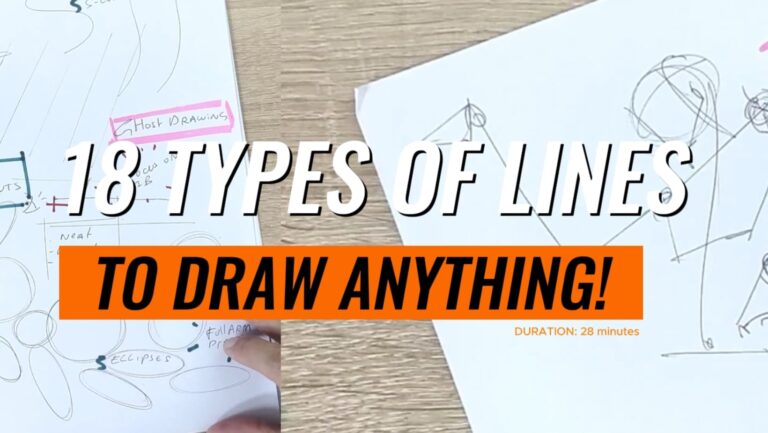
TIP 382 18 Indispensable ‘SKETCHING LINES TECHNIQUE’ To Draw Anything!

Master 18 essential sketching lines to draw anything! From blind contour to cross-hatching, add depth and life to your artworks!
how to start drawing

TIP 348 7 Tips to Start Drawing Now as a Novice Artist

Novice designer? Start your creative journey with confidence using these 8 designer tips from The Design Sketchbook!
how to draw daily

TIP 354 How to Draw Daily: 3 Creative Mind Hacks to Build Your Habit
Ready to draw every day without feeling overwhelmed? This article shares three mind-changing strategies including wearing the “Explorer Cap,” becoming a “Drawing Nerd,” and drawing daily with no strict planning. Start your creative habit journey today!
Learn Basic perspective to draw from imagination

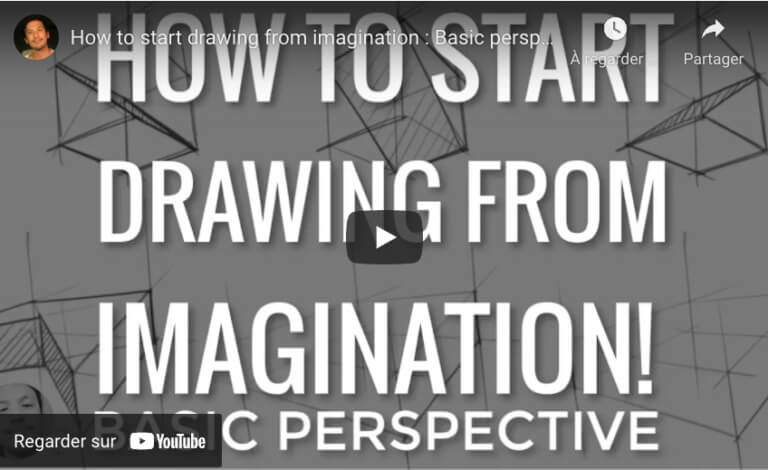
TIP 343 How to Draw 3D Objects from Imagination Using Basic Perspective
Discover how to bring your ideas to life by mastering 3D drawing from imagination using simple perspective methods. This tutorial invites aspiring designers to build foundational skills and unleash creative potential through step-by-step guidance.
How to draw with line weight

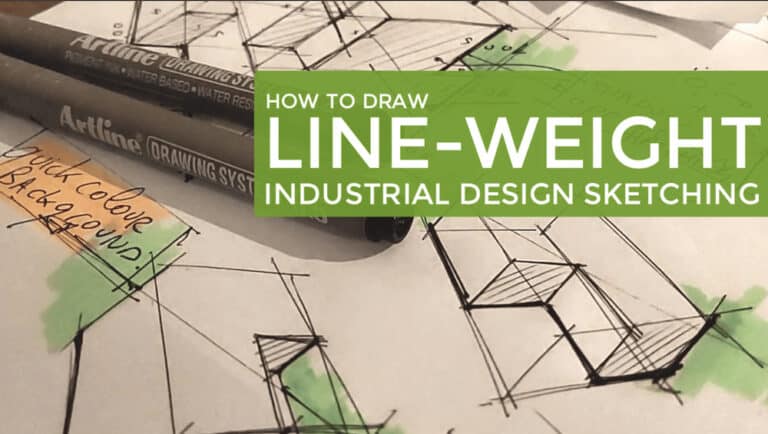
TIP 328 Master Line-Weight: 3 Steps to Stunning Industrial Design Sketches

Discover how controlling line-weight transforms your industrial design sketches. With easy-to-follow tips like using two pens, bold lines opposite the sun, and dynamic line techniques, you’ll bring depth and energy to every drawing. Dive in and practice for stunning results!

Chou-Tac

Hello! I'm Chou-Tac, a Product Designer from France.

If the sketching methods I’ve acquired aid me in my life and in my industrial design career, I believe that they can also help you reach your dream goal as a student or professional designer.

Leave a comment in the blog or send me an email at choutac@thedesignsketchbook.com : )

Chou-Tac

View all posts

2 comments

Your email address will not be published. Required fields are marked *

  • Thanks, I was wondering how do create the converging lines for vanishing points that are off the paper?

    • Always keep in my mind the converging lines, even though they are very far. Some people like to exagerate the angle of these lines, getting closer to a fisheye effect. Why ? To make the sketch more impressive. It’s a pretty common technique for transport designers.

START SKETCHING TODAY!

Get The Designer Starter Kit for Beginner Sketchers
RECEIVE YOUR FREE BOOK

FREE Sneaker Sketching Book

37 Secrets of Footwear Designers - Free Book
RECEIVE YOUR FREE BOOK
close-link
Start Sketching Today Step-by-step!

GET YOUR DESIGNER STARTER KIT NOW!

The
close-link
The
SEND ME THE BOOK NOW
Send me The Book
close-image

Don't Miss New SKetching Tutorials!

Subscribe
LEARN 1-TIP-A-DAY TO BOOST YOUR LEVEL!
SUBSCRIBE!
Yes! I want to follow
The Design Sketchbook Youtube CHannel!
close-link
Click Me