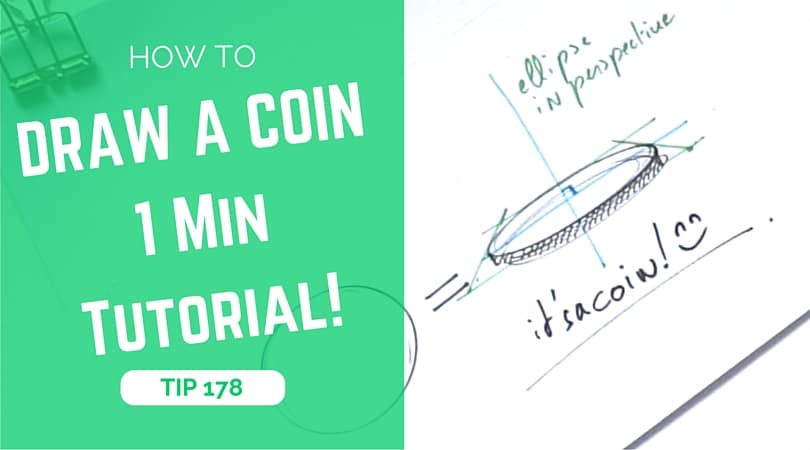
Discover a fast method to sketch coins by drawing symmetrical ellipses in perspective, adding thickness, and shading edges with hatching. A great beginner tutorial for product and design sketching.​

How to draw a coin in 6 steps:
How to draw a coin The 1 miute tutorial-Industrial Design sketching-Blog a

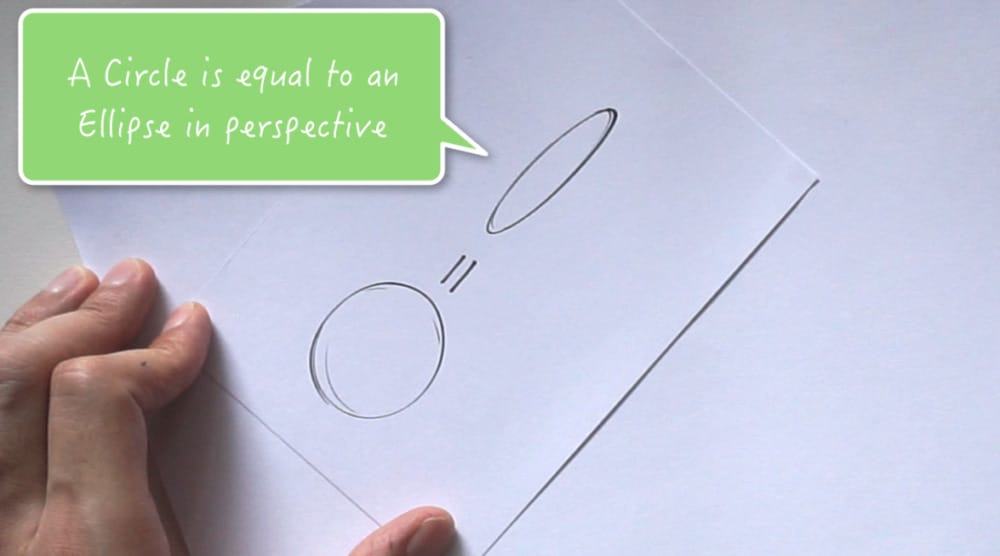
STEP #1 Circle equal Ellipse

The first thing you need to know is: a circle is equal to an ellipse in perspective.
How to draw a coin The 1 miute tutorial-Industrial Design sketching-Blog k

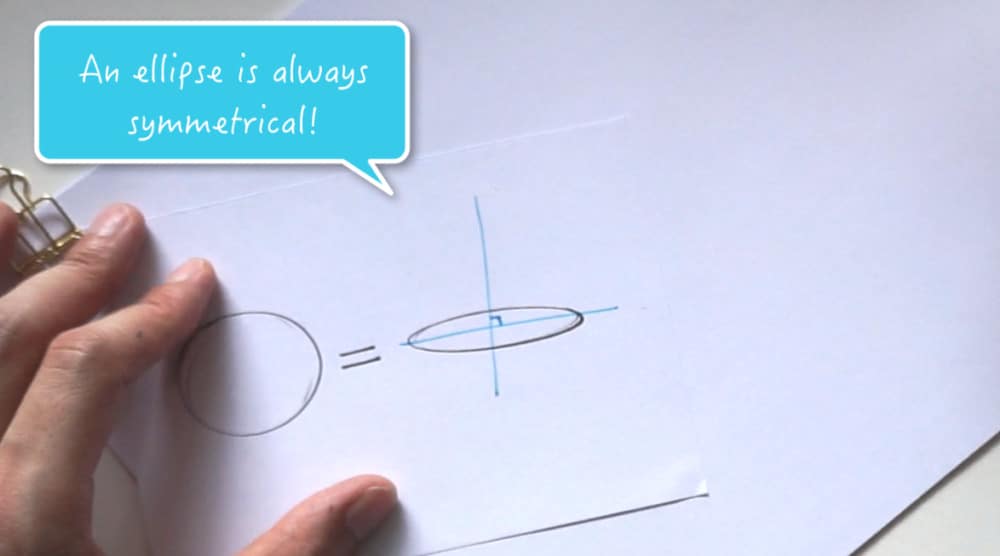
STEP #2 Add Perspective Lines

An ellipse is always symmetrical.
So you can make a try, think of a cup you are looking at the top of it from different angles. You will notice that you always see a perfect ellipse.
How to draw a coin The 1 miute tutorial-Industrial Design sketching-Blog b

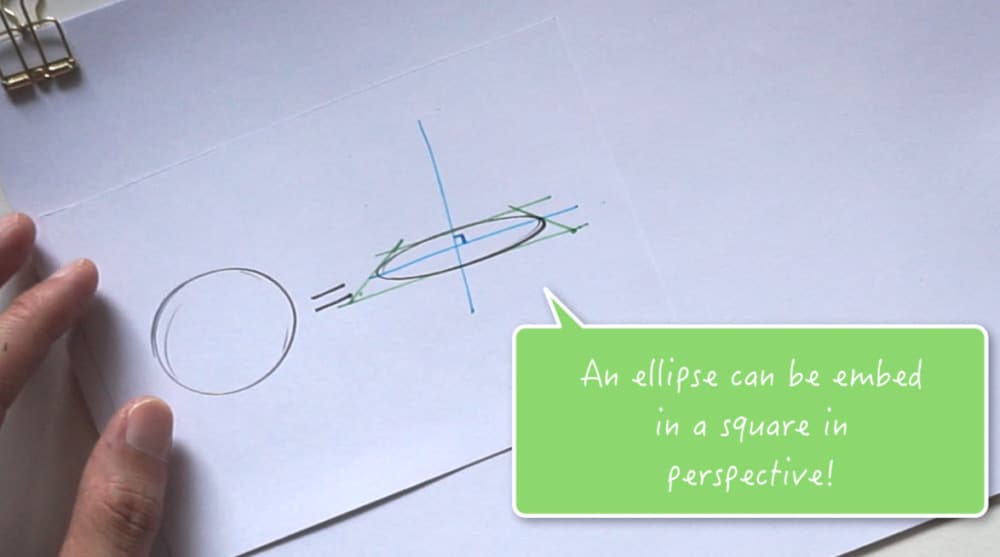
STEP #3 Add Thickness to the Coin

An ellipse can be embedded in a square in perspective, like how you can see here on the green lines. Basically, try to imagine a cylinder inside a box.
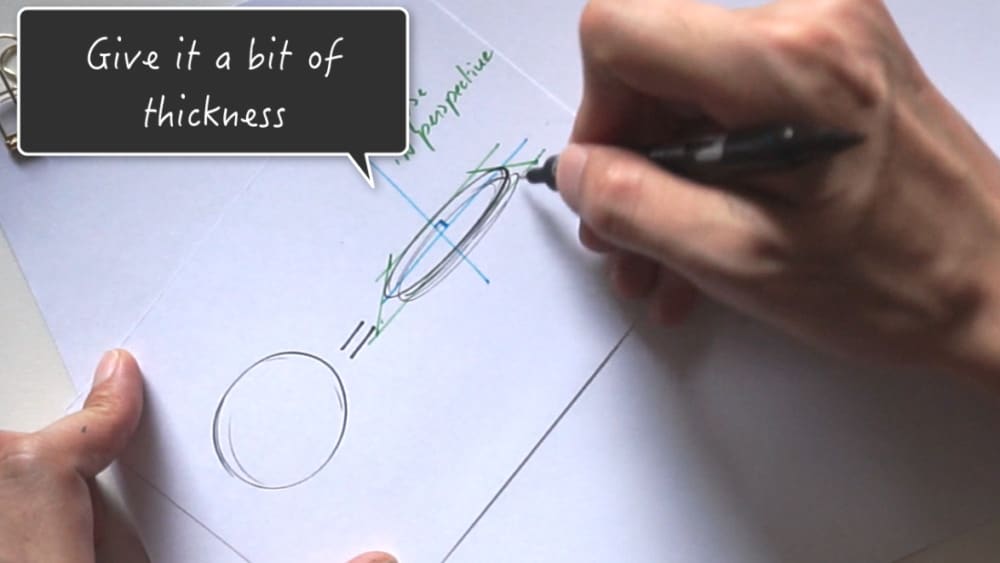
How to draw a coin The 1 miute tutorial-Industrial Design sketching-Blog d

STEP #4 Complete the Coin

Now, to draw a coin, you just need a simple trick: add a bit of thickness.
To do so, draw another ellipse a few millimeters below.
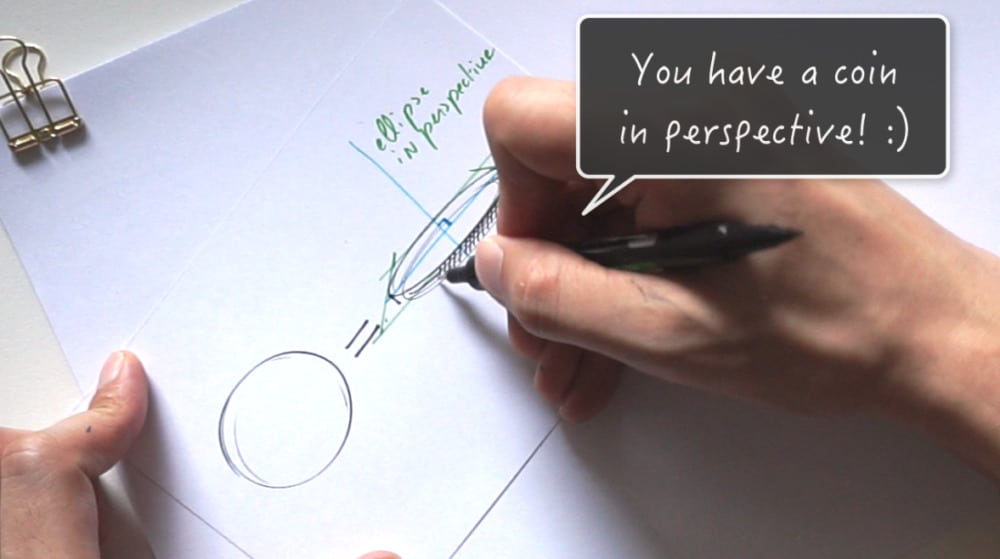
How to draw a coin The 1 miute tutorial-Industrial Design sketching-Blog f

STEP #5 Draw Hatching

Add some hatching on the side.
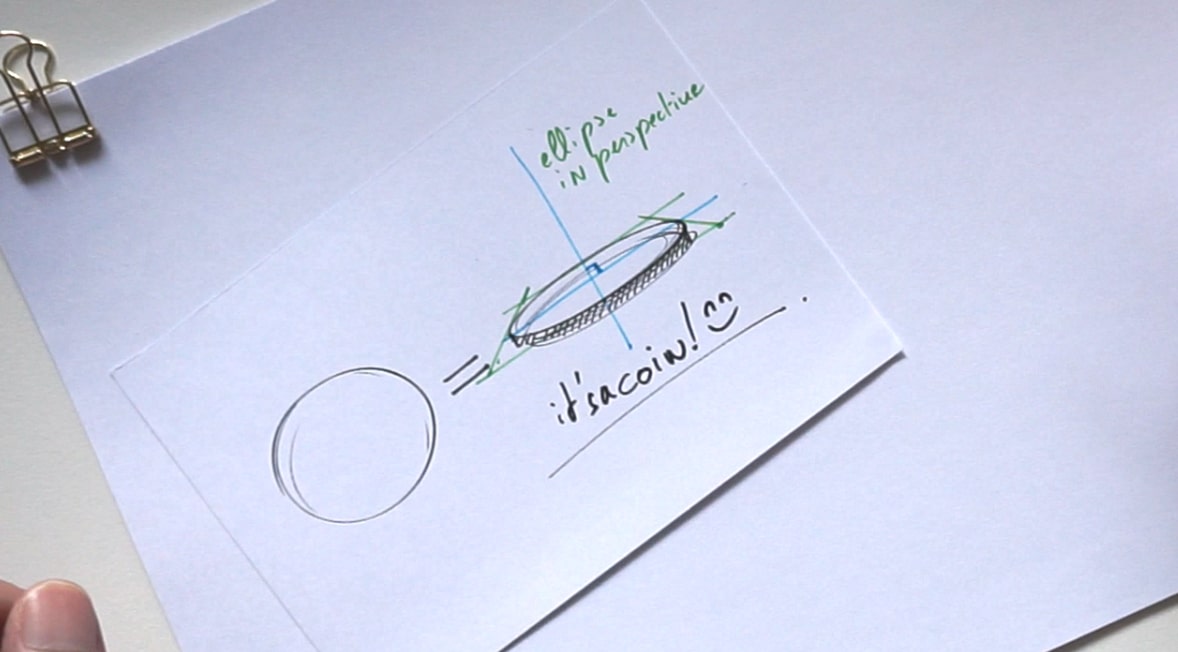
How to draw a coin The 1 miute tutorial-Industrial Design sketching-Blog g copy

STEP #6 Done!

Voila for the coin drawing!


STEP #7 Download the Designer Starter Kit
How to draw a coin The 1 miute tutorial-Industrial Design sketching-Blog h

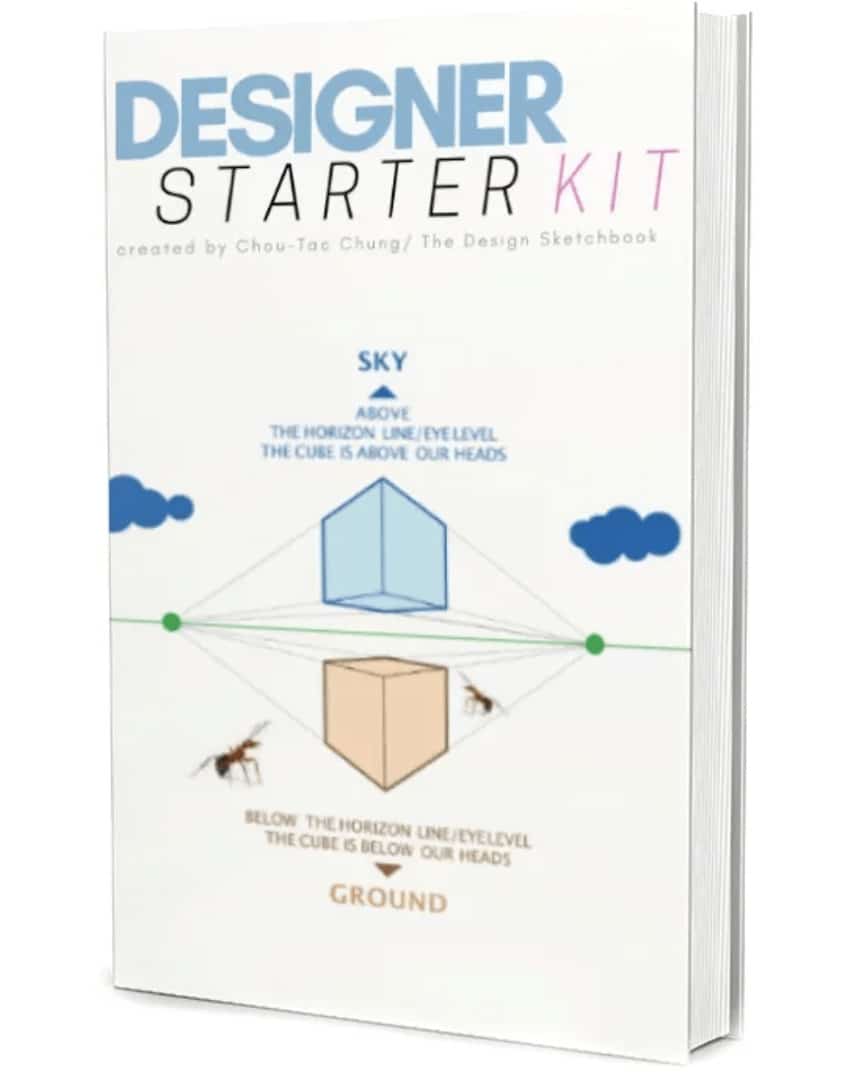
Feel free to download the Designer Starter Kit to make your first steps in design sketching! I will show you more about how to draw cubes in perspective all step-by-step.


Related Articles
How to draw with line weight
Discover how controlling line-weight transforms your industrial design sketches. With easy-to-follow tips like using two pens, bold lines opposite the …
TIP 237 Why Anyone with Good Logic Can Learn to Sketch (And How You Can Too)
Sketching isn’t about being born talented—it’s about applying good logic and learning techniques step-by-step. This article debunks common myths about …
TIP 88 Boost Your Concept Art Skills with Mechanical Parts Study (Inside a Sewing Machine)
Discover effective methods to boost your concept art skills by studying mechanical pieces. This guide reveals how practicing detailed mechanical …
TIP 225 Drawing with Shame Is Better Than Not Drawing at All: Kim’s Story from Seoul
Discover how sketching—even if you feel ashamed of your drawings—can spark creativity and drive innovation. Learn from Kim, a baker …
TIP 407 How to Draw a Fire Ant with Reference Pictures: Step-by-Step Tutorial
Inspired by my painful fire ant bite, this detailed tutorial walks you through drawing a fire ant using reference images …

Chou-Tac

Hello! I'm Chou-Tac, a Product Designer from France.

If the sketching methods I’ve acquired aid me in my life and in my industrial design career, I believe that they can also help you reach your dream goal as a student or professional designer.

Leave a comment in the blog or send me an email at choutac@thedesignsketchbook.com : )

Chou-Tac

View all posts

2 comments

Your email address will not be published. Required fields are marked *

  • Hi Chou,

    Your tutorials are all great! One minute or longer, doesn’t matter, keep them coming. I’m also one of your “independent learning” students in the Sketch Like the Pros class and love it. Would your ever consider combining all the screen shots from the modules into one massive e-book? I know we can download the different modules, but sometimes its nice just to flip through the pages and look at individual parts of a lesson without having to scan through the video. Anyways, it is just a thought. Keep up the great tutorials!

    • Hello Paul,

      Thanks for your positive feedback about the course Sketch like the Pros. I appreciate. 🙂

      Your idea of a flipping ebook is great! I take note of it.
      I should prepare one as an extra present for you guys, student of the course.

      Thank you!

      Cheers,
      Chou-Tac

START SKETCHING TODAY!

Get The Designer Starter Kit for Beginner Sketchers
RECEIVE YOUR FREE BOOK

FREE Sneaker Sketching Book

37 Secrets of Footwear Designers - Free Book
RECEIVE YOUR FREE BOOK
close-link
Start Sketching Today Step-by-step!

GET YOUR DESIGNER STARTER KIT NOW!

The
close-link
The
SEND ME THE BOOK NOW
Send me The Book
close-image

Don't Miss New SKetching Tutorials!

Subscribe
LEARN 1-TIP-A-DAY TO BOOST YOUR LEVEL!
SUBSCRIBE!
Yes! I want to follow
The Design Sketchbook Youtube CHannel!
close-link
Click Me